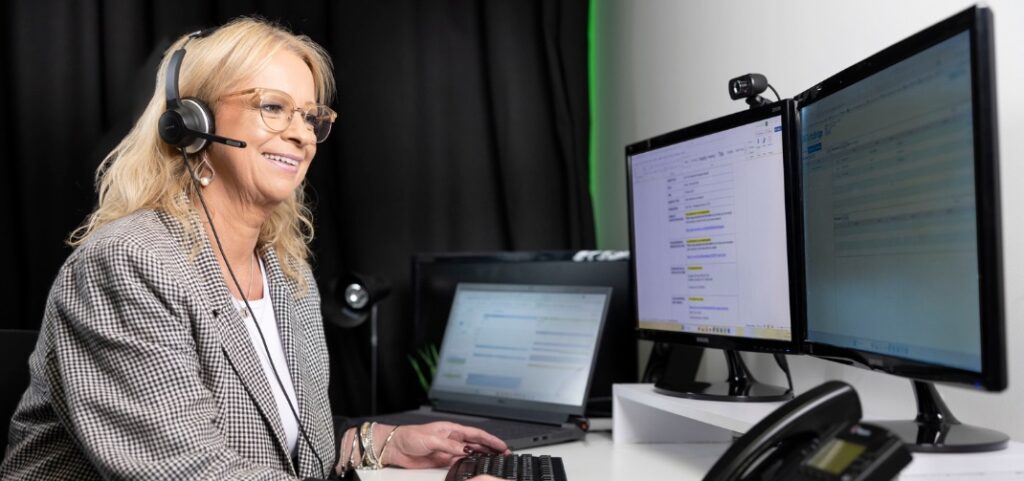
Practical strategies for clear and professional-sounding meetings
When it comes to conference calls,
audio is everything. Poor sound quality — whether it’s echo, dropouts, or background noise — not only frustrates participants but also reduces productivity and credibility. If people can’t hear you clearly, they stop listening. Whether you’re running internal updates, investor calls, board meetings or client briefings, your audio setup can make or break the experience. Here are five ways for how to improve conference call audio quality — and make sure every voice comes through loud and clear.
1. Use a Landline or Reliable Dial-In Service
It might sound old-school, but using a landline or high-quality dial-in connection still offers the most stable and consistent audio for voice-only meetings. Mobile apps and laptop mics can be hit or miss — especially in areas with patchy reception or background noise.
For important meetings, use a dedicated dial-in service or landline connection whenever possible. These are designed specifically for clear voice communication and offer greater reliability than VoIP or app-based calls.
Tip: Always have a backup dial-in number or a second device ready, especially for high-profile meetings.
2. Choose a Quiet Environment
Background noise is one of the most common causes of poor audio on calls — barking dogs, loud typing, passing traffic, or even echo from a bare meeting room.
Before joining your call:
• Choose a quiet, enclosed space
• Avoid open-plan offices or rooms with glass walls
• Let colleagues know you’re on a live call
• Close doors and windows
If needed, use a headset with a
noise-cancelling microphone to improve clarity and reduce ambient sound.
3. Limit Use of Speakerphones
Speakerphones, especially low-grade ones, can distort voices or pick up too much background noise — particularly in group settings.
For best results:
• Use professional-grade speakerphones designed for conferencing
• Or, for multi-location meetings, have each speaker join individually with their own dial-in
Well-managed conference setups can also mute and unmute lines as needed to reduce cross-talk and echo.
4. Mute When Not Speaking
Even minor background sounds like typing, paper shuffling or side conversations can be distracting — especially in audio-only meetings.
Make it a habit to mute yourself when not speaking. If you’re hosting or moderating, look for teleconferencing tools that support:
• Line muting for larger groups
• Press-to-speak options
• Moderator controls to manage audio flow
These features help create a smoother, more professional meeting environment.
5. Prepare Your Participants
A quick email or briefing before the call can prevent a lot of on-the-day issues. Include:
• Clear dial-in instructions
• A reminder to use good audio (no Bluetooth earbuds or laptop mics)
• Guidelines on muting and meeting flow
• Who to contact for help if something goes wrong
For high-stakes calls, some teams also run quick tech checks or sound tests beforehand to make sure everyone’s setup is ready to go.
Want to sound more professional on your next call?
Clear, reliable audio builds confidence — especially when you’re presenting to clients, stakeholders or remote teams. Whether you’re managing your own conference calls or need a more structured solution, we can help.
Talk to Loghic Events about operator-assisted and self-managed teleconferencing services.
It’s just Loghical.
FAQs
✔ What’s the difference between operator-assisted and self-managed teleconferencing?
Self-managed calls give you full control over when and how the meeting runs. Operator-assisted calls include professional support — with introductions, muting, speaker management, and technical assistance throughout the call.
✔ Can we get local Australian dial-in numbers?
Yes. Dedicated local numbers are available for participants across Australia, with international dial-in options available if needed.
✔ How many participants can join a teleconference?
Anywhere from a few people to hundreds. The right solution depends on your format and goals — we can help guide you through the options.
✔ Can we record our conference call?
Absolutely. Recording is available on request, and transcripts can also be provided for compliance or post-call review.