Why Choose a Studio Event?
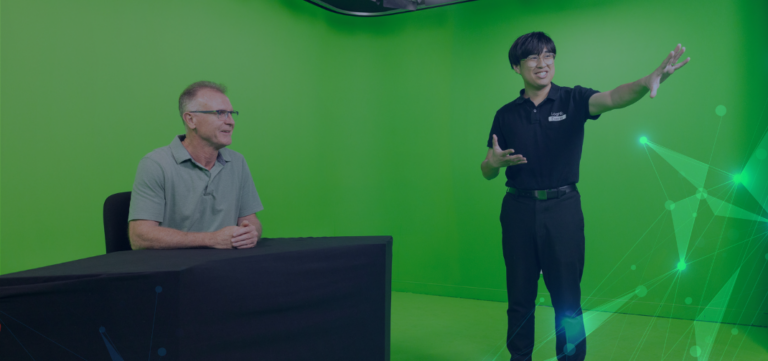
Studio events offer unparalleled control, advanced technology integration, and cost-effective solutions that make them a preferred choice for organisations. Some of the key benefits include: • Controlled Environment – Studios provide full control over lighting, sound, and visuals, ensuring a professional and polished presentation. • High-Quality Production – Advanced technology allows for broadcast-grade video, clear audio, and seamless streaming across multiple platforms. • Interactive Features – Engage audiences with live Q&A, polls, and real-time interactions, making your presentation more dynamic and engaging. • Cost and Time Efficiency – Studio events eliminate the need for large venues and extensive travel, helping you maximise reach while optimising resources.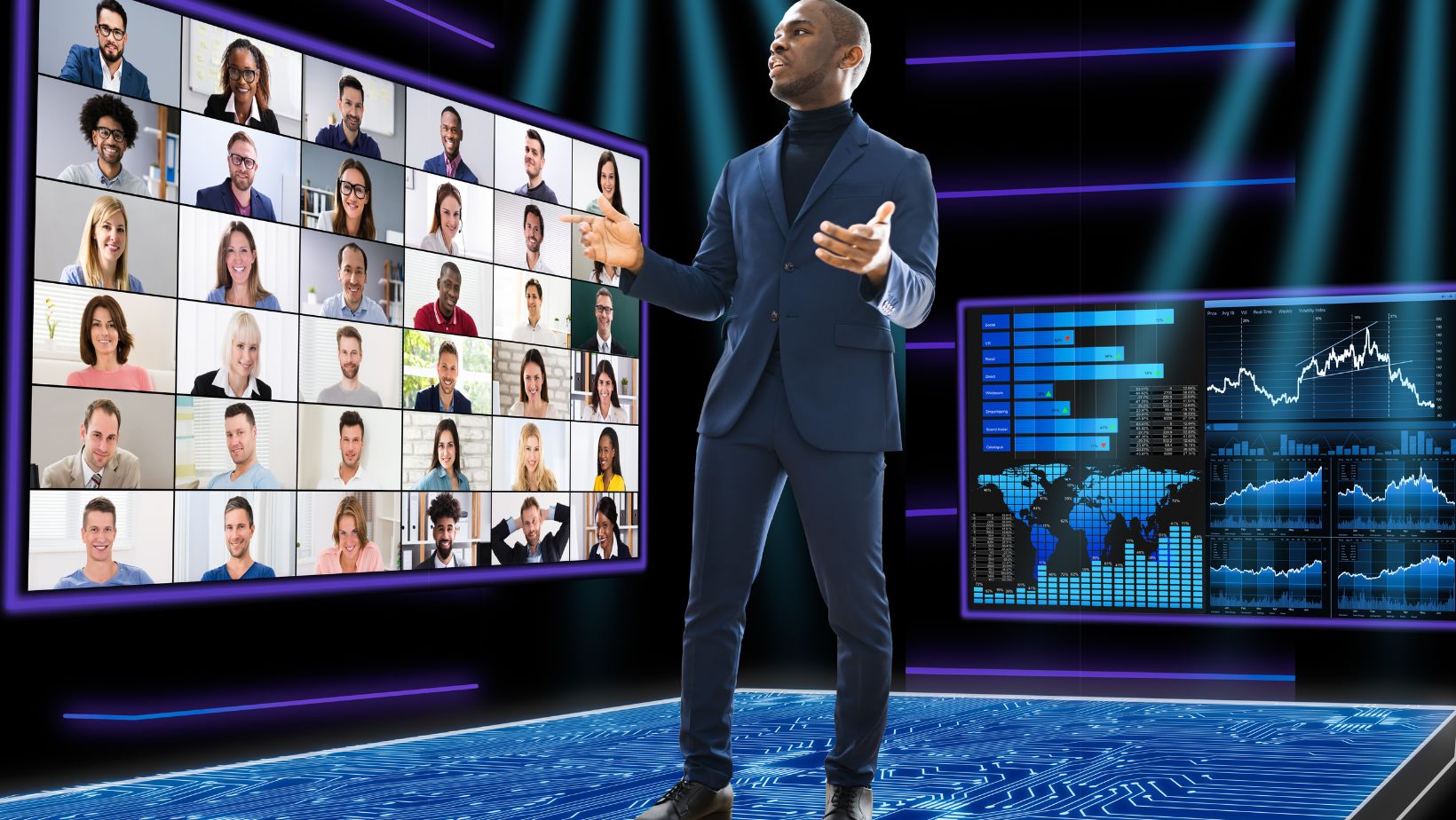
What’s the Main Difference Between a Studio and a Remote Webinar?
Both studio events and remote webinars serve as powerful communication tools, but they differ significantly in terms of production quality, environment, and audience engagement.| Studio Event | Remote Webinar |
|---|---|
| Professional lighting, sound, and cameras for broadcast-quality production | Webcam and microphone dependent, quality varies based on presenter’s setup |
| Controlled studio environment ensures no interruptions or distractions | Home or office setting can lead to background noise and interruptions |
| Multi-camera setups provide dynamic shots and high engagement | Single-camera view with limited angles |
| Enhanced branding with custom visuals, backgrounds, and overlays | Minimal branding options, typically limited to slides and lower thirds |
| Production team support to manage technical aspects | Self-managed, requiring presenters to troubleshoot issues |
How Do Presenters Deliver from a Studio and What Skills Are Needed Compared to Remote Presenting?
Presenting from a studio differs significantly from presenting remotely. Without the comfort of a personal computer and familiar workspace, presenters need to adopt a more polished, professional, and dynamic delivery style. Here’s what makes it different: ✔ Increased Awareness of Body Language – Unlike remote presentations where only the face may be visible, studio presenters must use natural hand gestures and maintain good posture to engage the audience effectively. ✔ Camera Presence – Instead of looking at a computer screen, presenters need to address the camera as if speaking directly to the audience to maintain engagement. ✔ Using a Teleprompter or Presenter Notes – Since there’s no laptop in front of them, presenters often rely on teleprompters or off-screen monitors for their notes, requiring a smooth, confident delivery. ✔ Working with a Production Team – Presenters must coordinate with the studio crew to ensure smooth transitions, cueing for slides, graphics, or pre-recorded segments rather than clicking through them themselves. ✔ Managing Live Audience Interactions Differently – Without a computer interface, presenters engage with audience questions via a studio moderator or production team support (more on this below!).
What Kind of Engagement Tools Work Best for Encouraging Audience Participation in Studio Events, and Are They Much Different from a Remote Webinar?
Audience engagement is just as important in a studio event as it is in a remote webinar, but the tools and execution are slightly different. Because presenters in a studio don’t have direct access to a laptop, engagement tools need to be integrated seamlessly into the production. Best Engagement Tools for Studio Events: Live Q&A with a Moderator – Audience questions are sent to a studio moderator who filters and relays them to the presenter in real time. On-Screen Graphics for Polling and Reactions – Instead of pop-ups like in webinars, audience poll results and reactions are displayed as professional on-screen graphics. Interactive Social Media Feeds – Comments and hashtags from LinkedIn, YouTube, or Twitter can be pulled into the live event feed, encouraging external participation. Discussion Forum – Participants can engage in a live chat, while the presenter addresses key comments on screen. Live Audience Feeds – In hybrid events, remote attendees may appear on a video wall, allowing the presenter to interact with a virtual audience. How Is This Different from a Remote Webinar? ✔ In remote webinars, presenters see chat boxes and Q&A tools on their screen, managing engagement themselves. ✔ In a studio setting, engagement is handled by a moderator and production team, integrating responses smoothly into the presentation. Both formats offer great engagement, but studio events create a more polished and interactive experience, avoiding screen clutter while keeping engagement high.How Can the Professional Studio Team Ensure Presenters Are Prepared and Well-Versed Before Presenting?
At Loghic Events, our production team plays a crucial role in ensuring presenters feel confident and fully prepared before going live. Here’s how we support every presenter: ✔ Pre-Event Rehearsals – Presenters can practice in the studio with full lighting, cameras, and audio setup to get comfortable before the actual event. ✔ Technical Walkthroughs – Our team provides hands-on guidance on how to use teleprompters, lapel mics, stage monitors, and Q&A systems. ✔ Cue and Support System – A dedicated production manager gives real-time cues for camera switches, slide transitions, and engagement points. ✔ Voice and On-Camera Coaching – Presenters receive tips on pacing, tone, and posture, ensuring they sound and look their best. ✔ Real-Time Monitoring – A professional control room team manages every aspect, from audio levels to visual transitions, allowing presenters to focus solely on delivering their message.What If Something Goes Wrong While Presenting from a Studio?
At Loghic Events, we have built-in redundancies and contingency plans to minimise disruptions. However, if something does go wrong, here’s how we handle it: ✔ Backup Internet and Power Systems – Studios have redundant internet connections and backup power supplies to prevent downtime. ✔ Live Technical Support – The production team monitors the event in real time, immediately troubleshooting any audio, video, or connectivity issues. ✔ Pre-Recorded Backup Plans – If a presenter experiences an issue, we canswitch to pre-recorded content while resolving the problem. ✔ Communication with Presenters – In case of an issue, presenters receive live cues through an in-ear monitor to adjust smoothly. ✔ Immediate Audience Updates – If an issue affects viewers, we send real-time updates via on-screen messages or chat notifications. With expert teams in place, we ensure your studio event runs seamlessly and professionally, no matter what happens.How Loghic Events Can Elevate Your Studio Event At Loghic Events, we offer state-of-the-art studio solutions designed to deliver flawless, high-quality presentations. ✔ Professional Studio Facilities ✔ End-to-End Production Support ✔ Custom Branding & Graphics ✔ Multi-Platform Streaming